

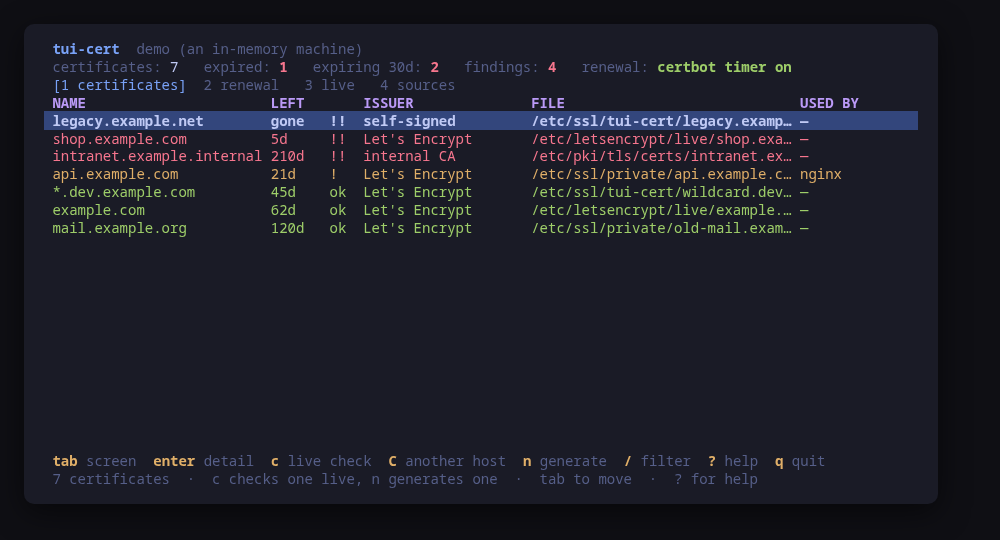
Every certificate on the machine, and what will stop working when
$ sudo pacman -S tui-cert
Terminal tools for Linux
Every tool here opens read-only, shows you the system as it actually is, and previews the exact command line before it changes anything. One static binary each. No daemon, no state of its own, nothing left running after you quit.
$ curl -fsSL https://github.com/tui-tools/tui-cert/releases/download/v1.1.0/tui-cert_1.1.0_linux_amd64.tar.gz | tar -xz tui-cert
sudo install -m0755 tui-cert /usr/local/bin/tui-certsudo -n.--demo on every tool: real previews, nothing touched.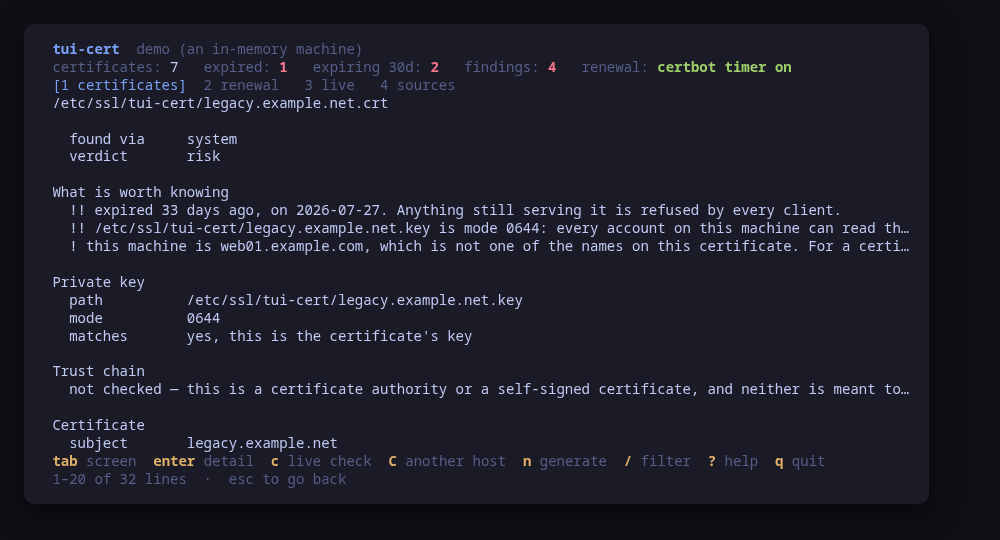
Every certificate on the machine, and what will stop working when
$ sudo pacman -S tui-cert
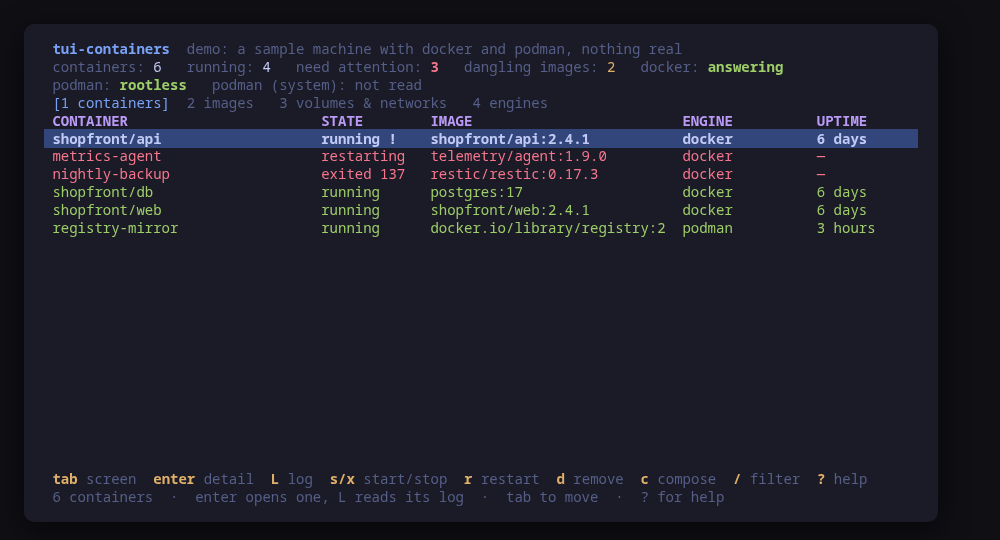
Every container on one screen, docker and podman together
$ sudo pacman -S tui-containers
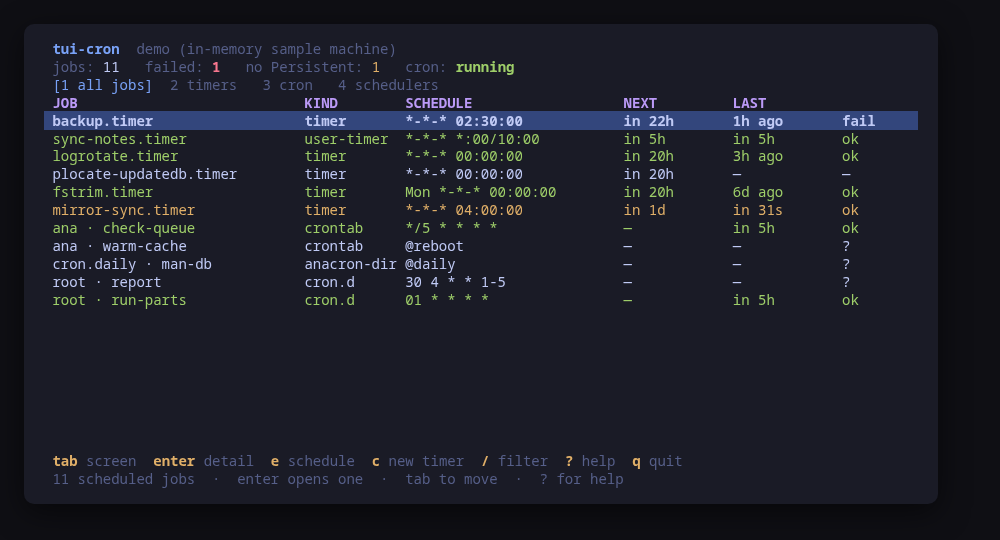
Every scheduled job on one screen, systemd timers and cron together
$ sudo pacman -S tui-cron
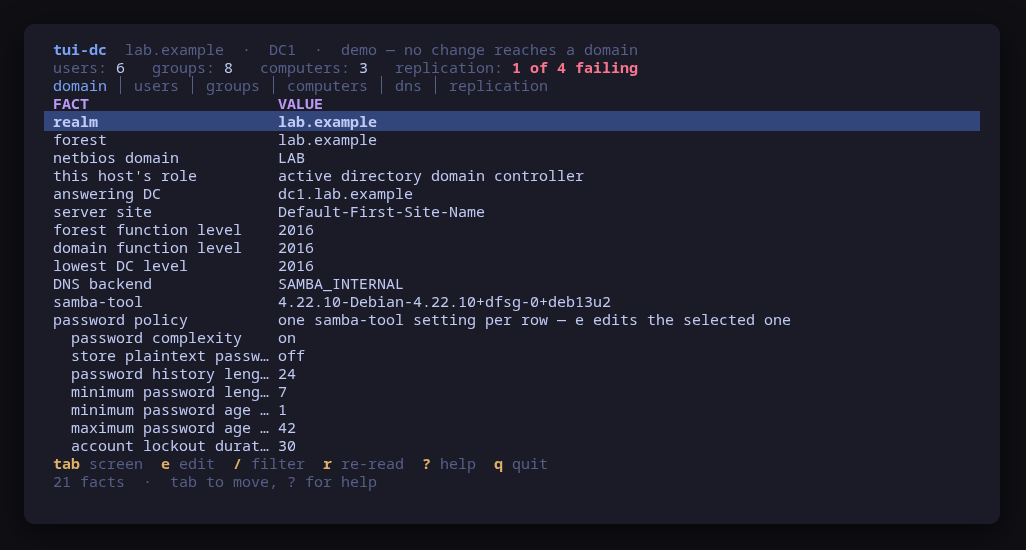
A Samba Active Directory domain, administered from the terminal
$ sudo pacman -S tui-dc
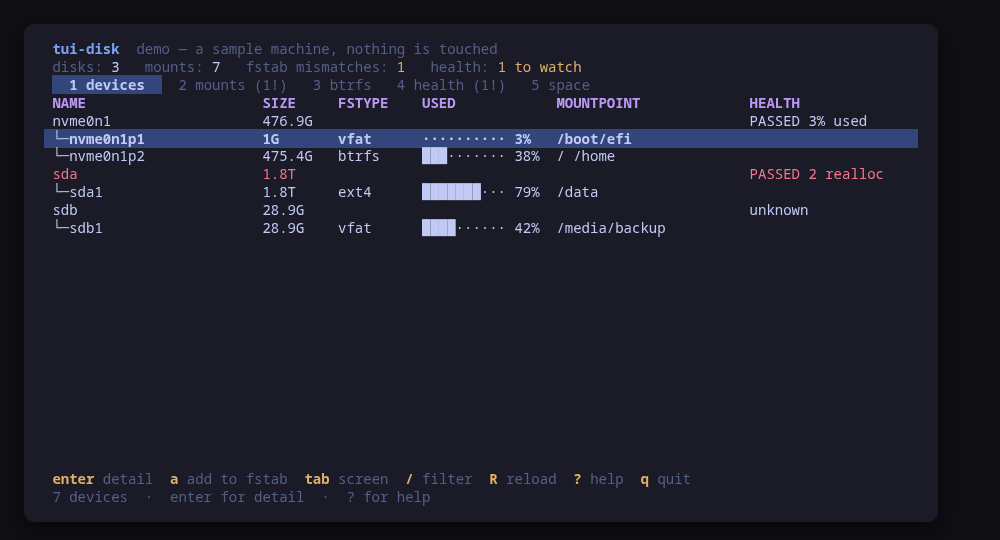
Disks, mounts, fstab, btrfs and SMART, previewed before every change
$ sudo pacman -S tui-disk
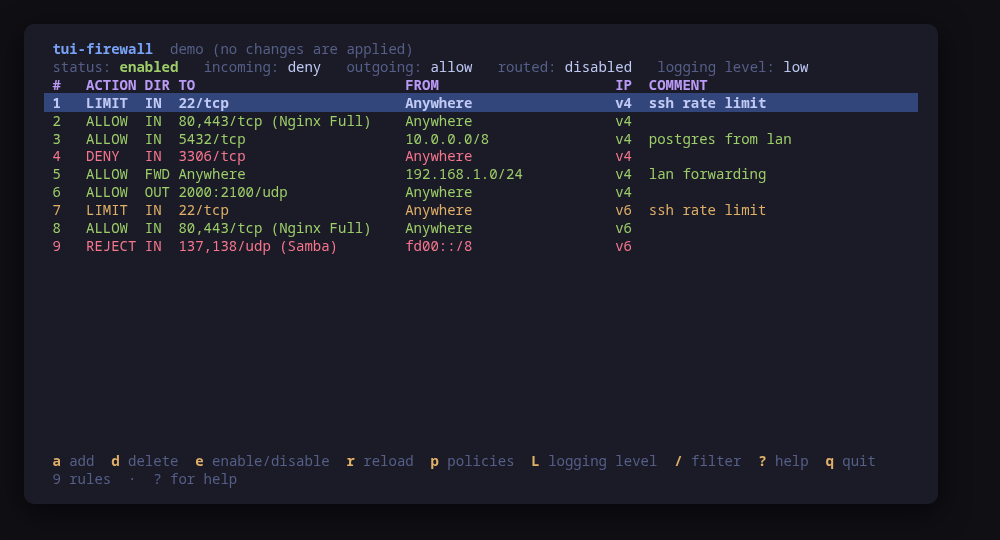
ufw, firewalld, iptables and nftables, every change previewed before it runs
$ sudo pacman -S tui-firewall
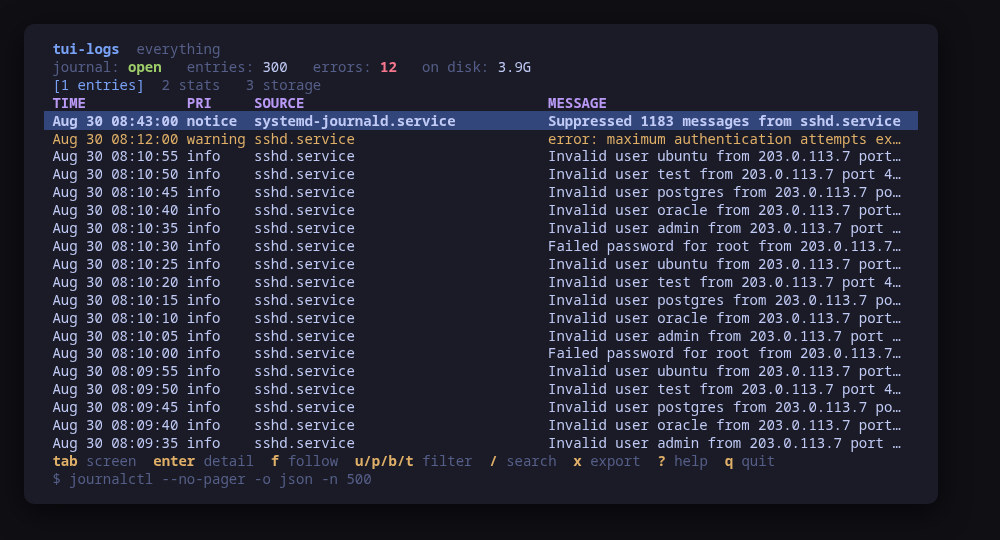
The journal on one screen: narrow it, follow it, and shrink it safely
$ sudo pacman -S tui-logs
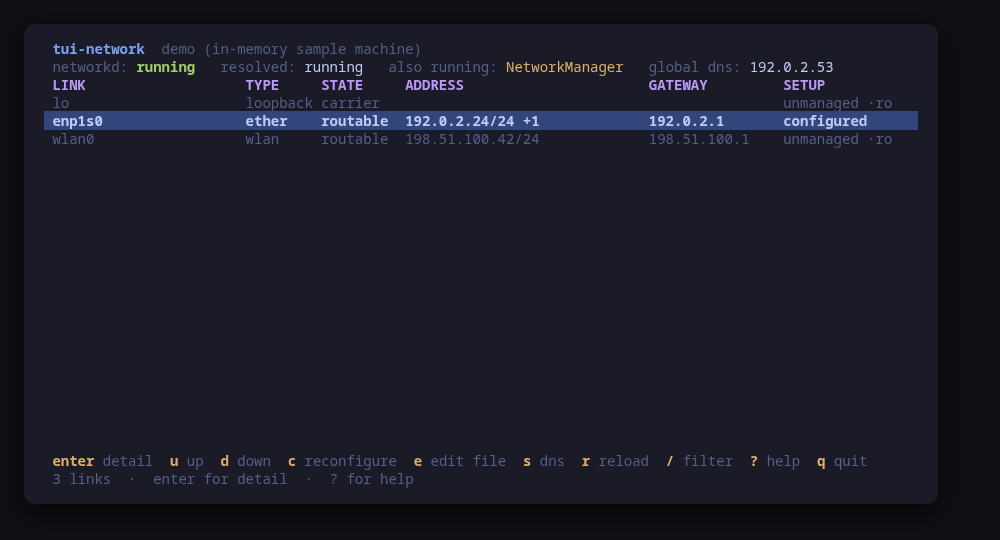
Links, addresses, routes and DNS, with every change previewed before it runs
$ sudo pacman -S tui-network
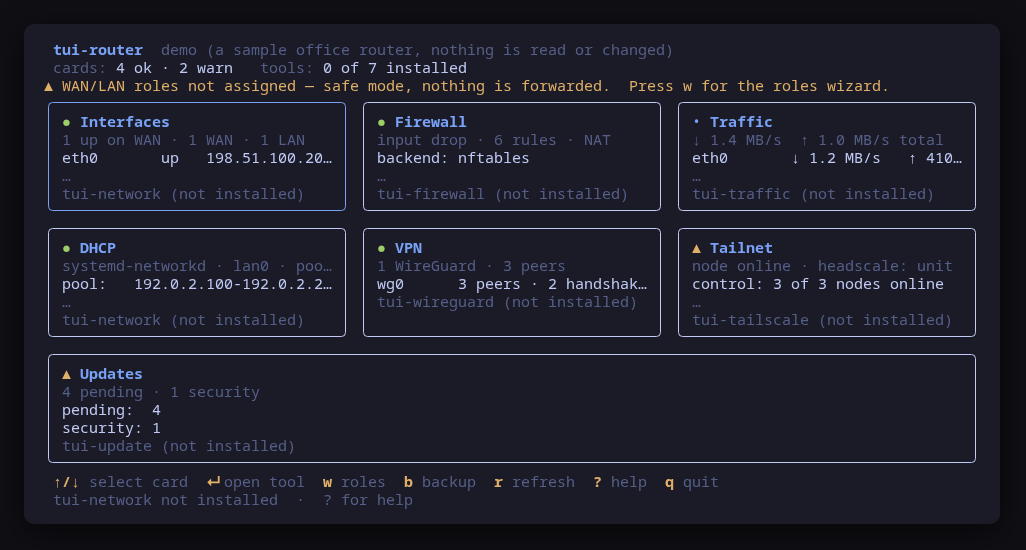
Every part of the router on one screen
$ sudo pacman -S tui-router
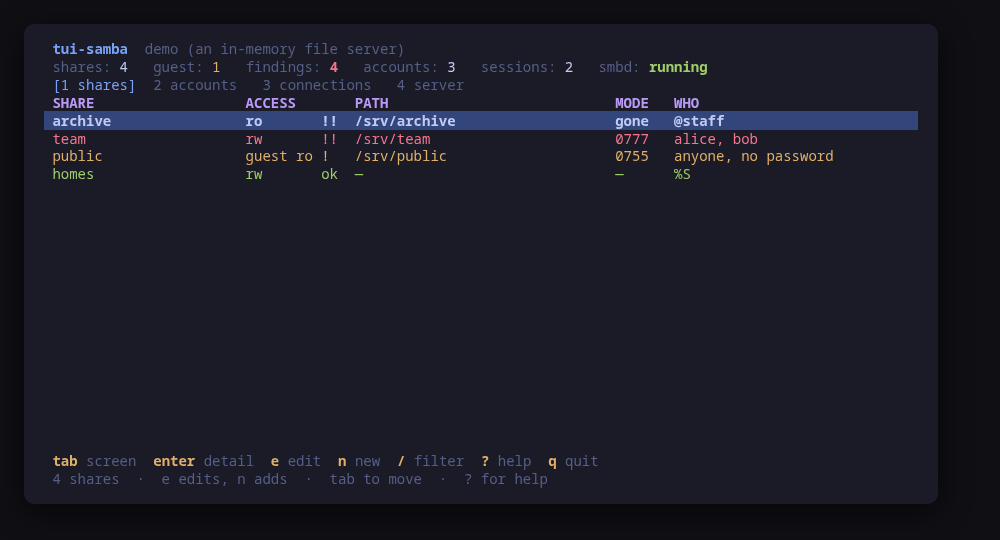
Samba shares, accounts and live connections, with every change previewed
$ sudo pacman -S tui-samba
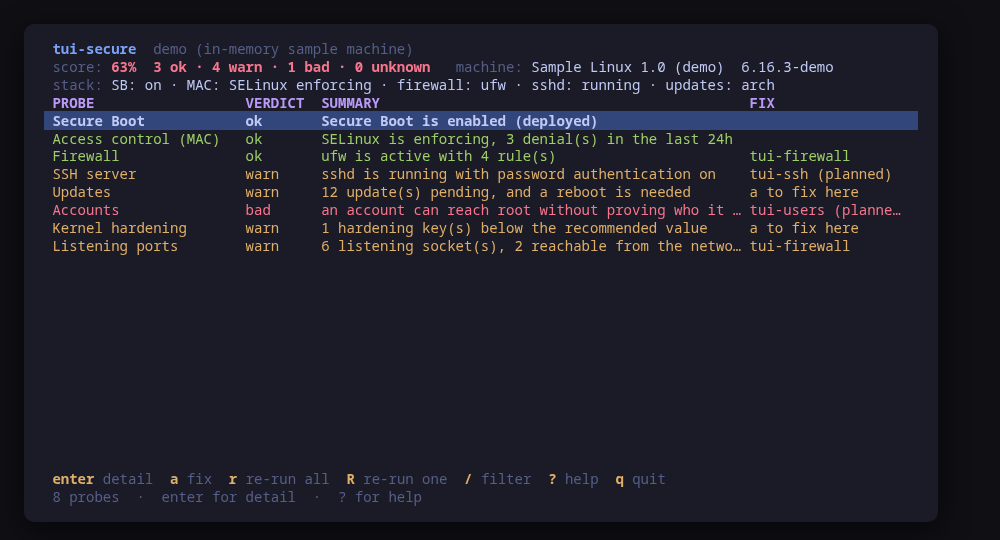
The machine's security posture, with the command behind every verdict
$ sudo pacman -S tui-secure
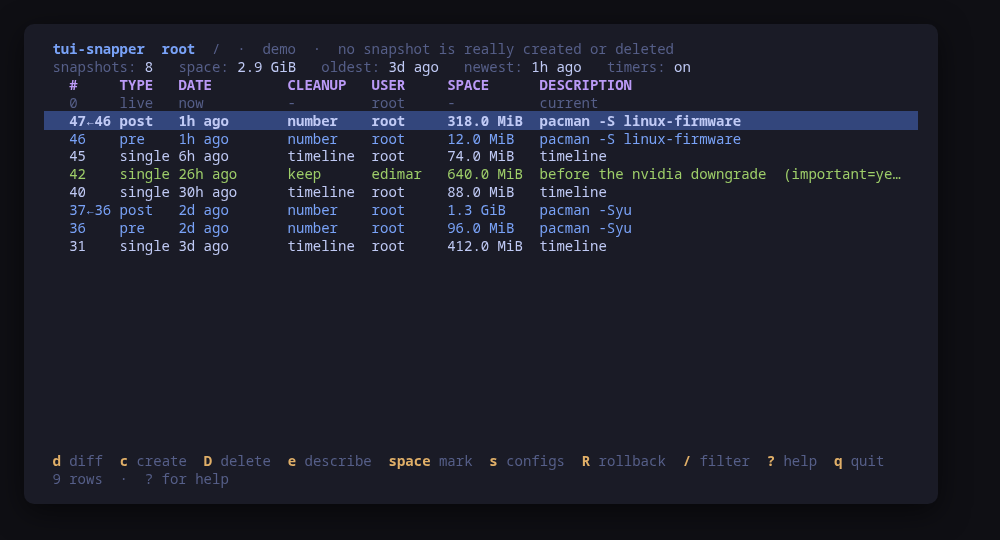
btrfs snapshots, managed by snapper, from the terminal
$ sudo pacman -S tui-snapper
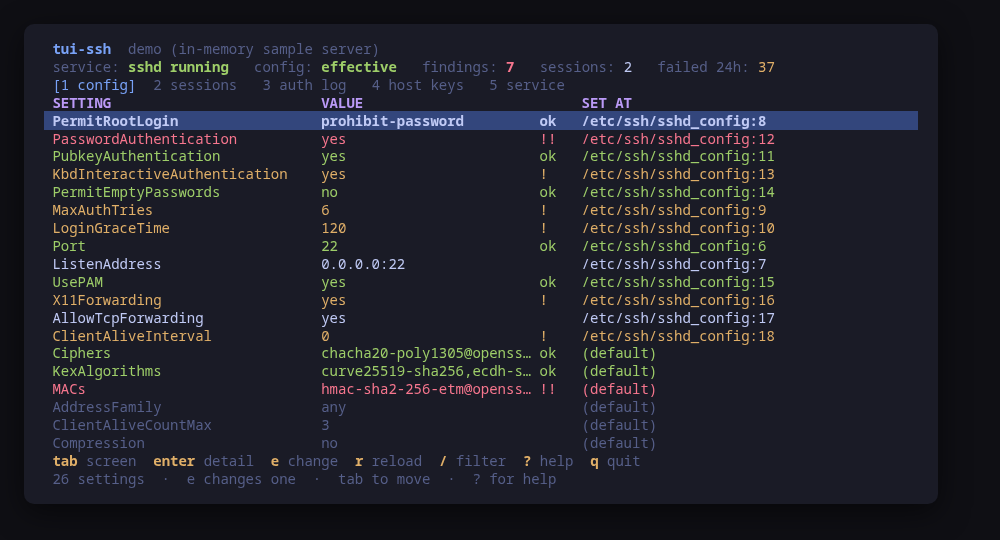
The SSH server as it really is, with every change previewed before it runs
$ sudo pacman -S tui-ssh
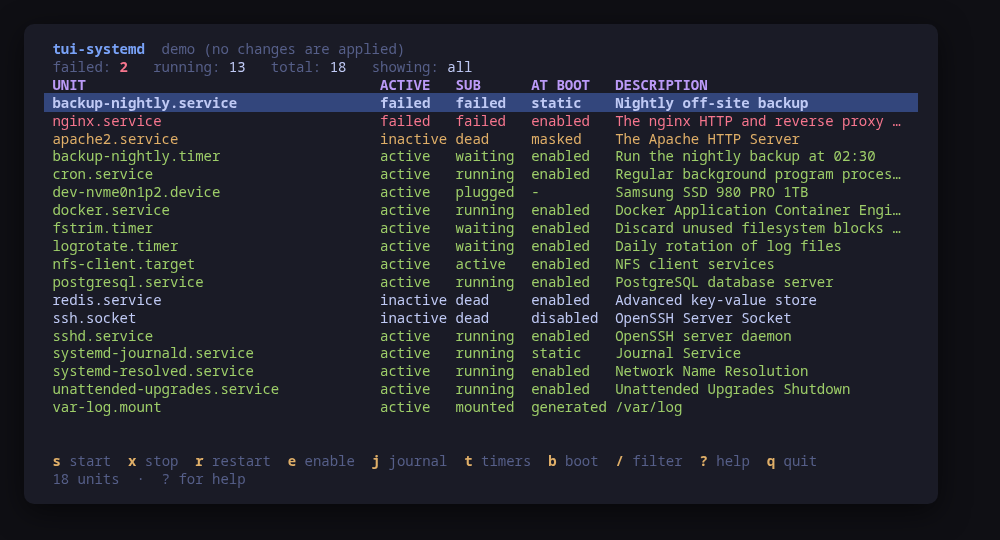
systemd units: what failed, why, and every action previewed
$ sudo pacman -S tui-systemd
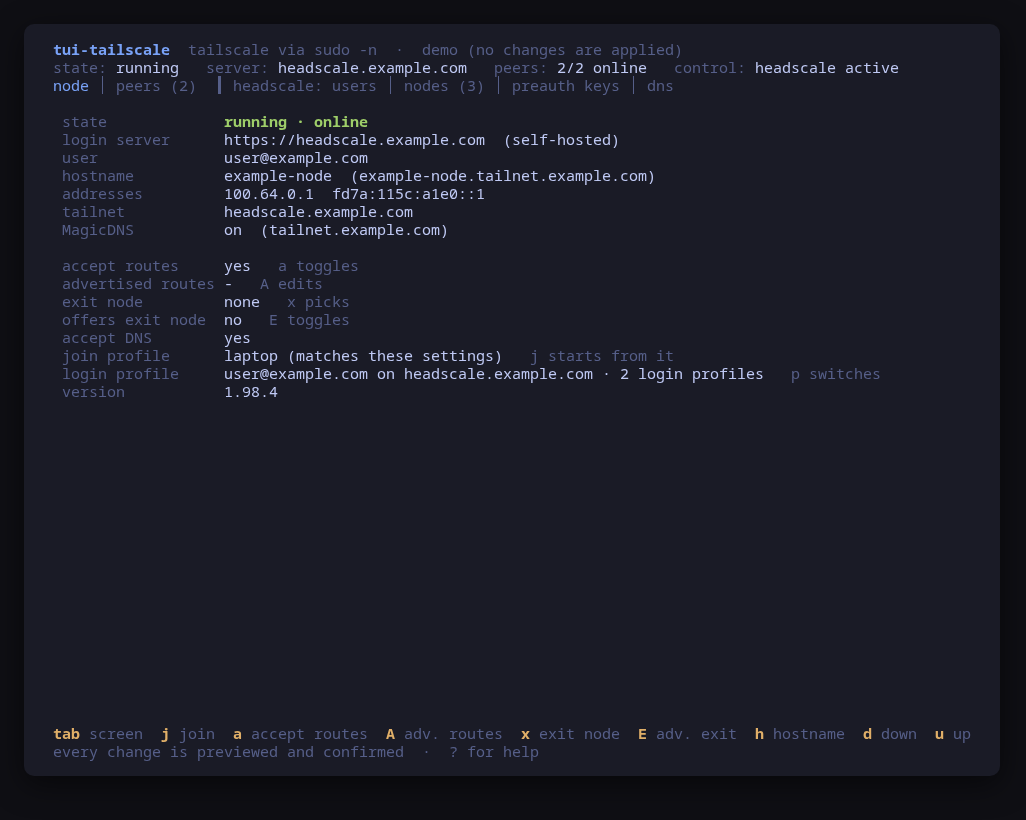
Self-hosted Tailscale from the terminal: the control plane and this node
$ sudo pacman -S tui-tailscale
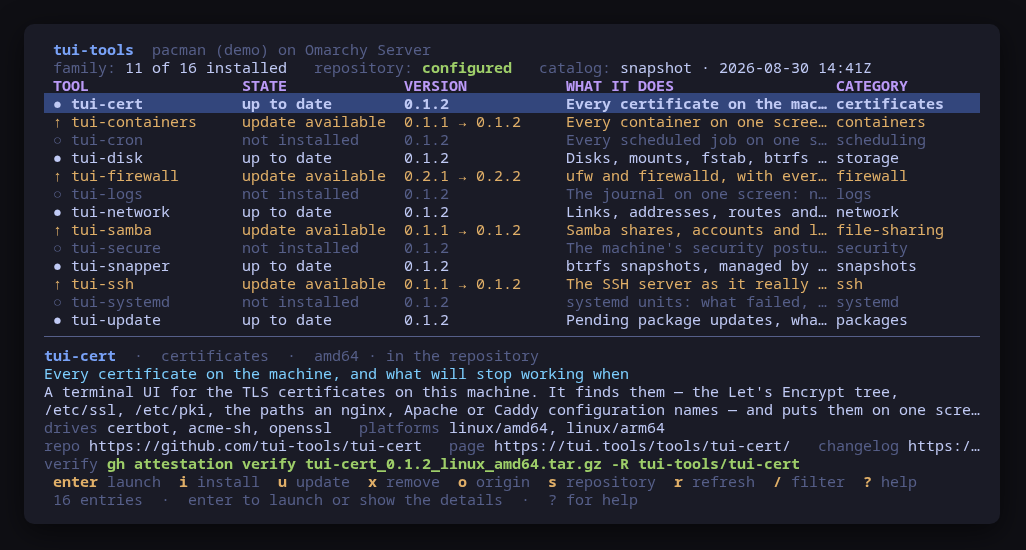
Every tui-tools tool in one place, installed through your package manager
$ sudo pacman -S tui-tools
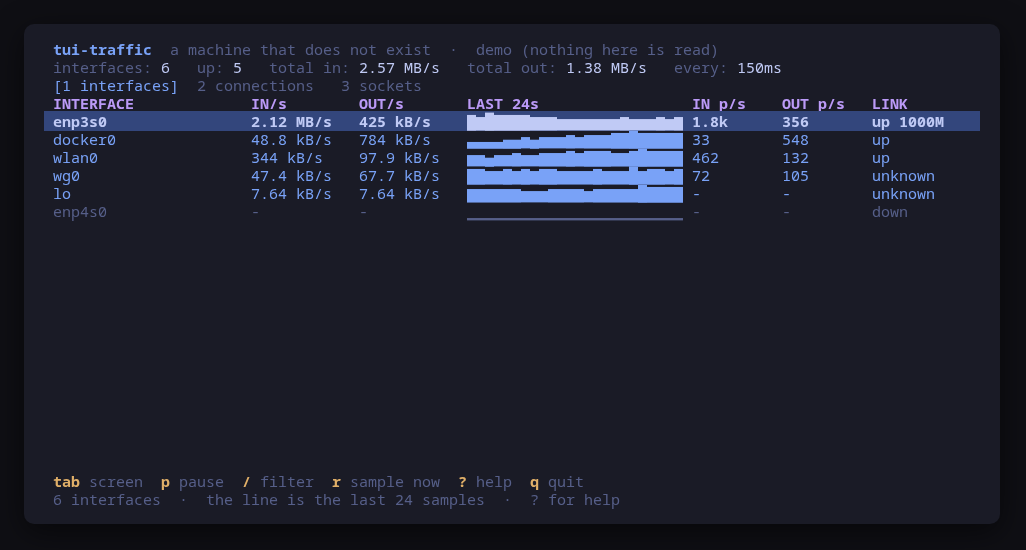
What the network is doing right now, interface by interface
$ sudo pacman -S tui-traffic
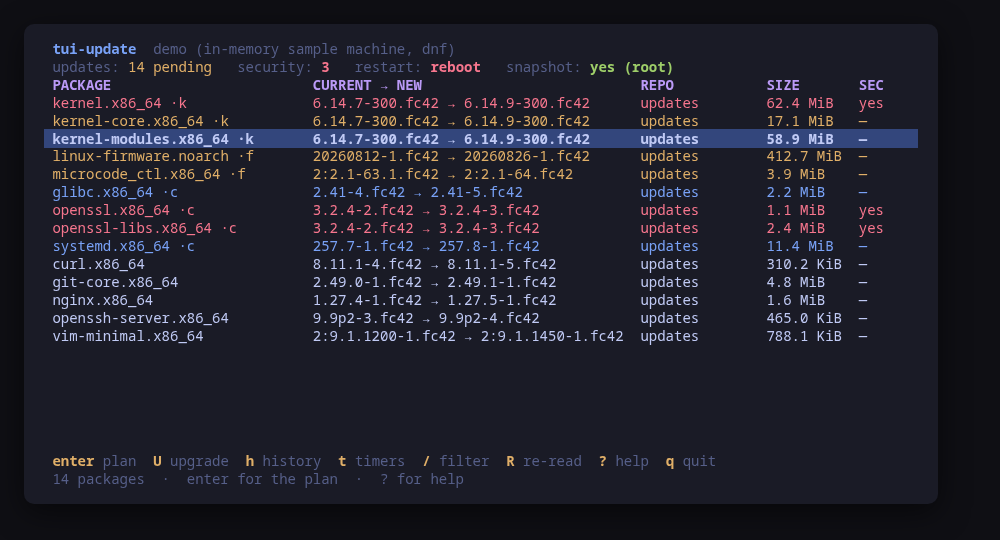
Pending package updates, what they restart, and a snapshot first
$ sudo pacman -S tui-update
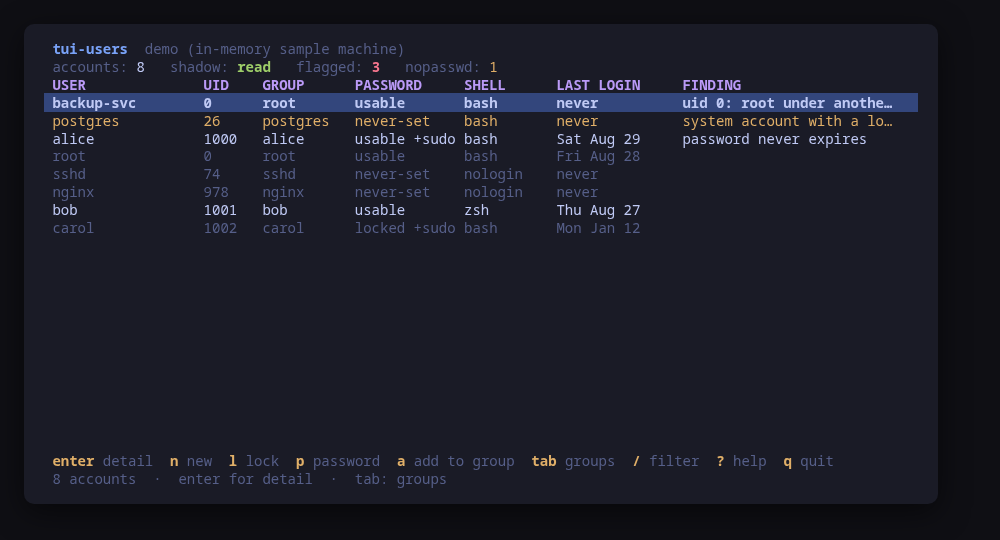
Accounts, groups, keys and sudo, with every change previewed before it runs
$ sudo pacman -S tui-users
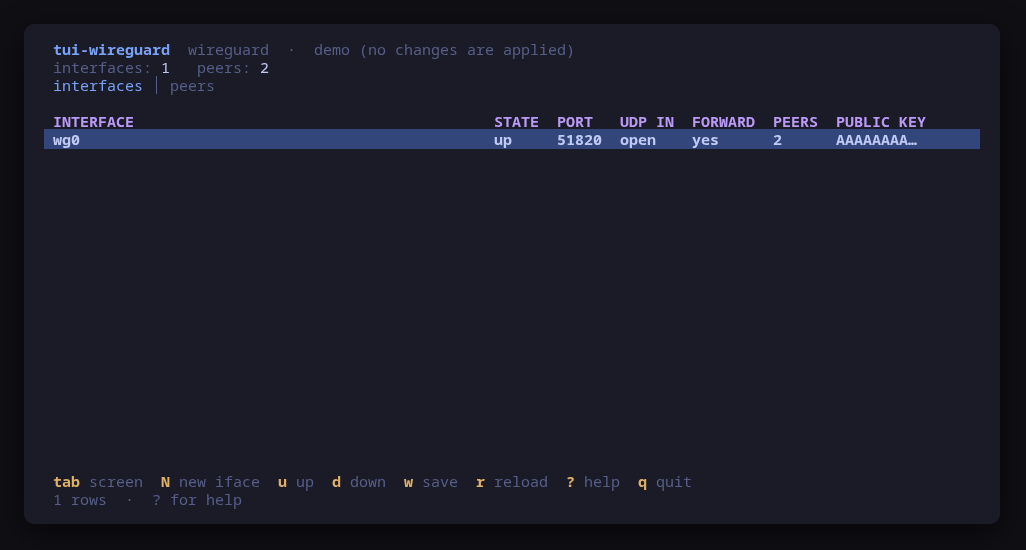
WireGuard interfaces and peers, from the terminal
$ sudo pacman -S tui-wireguard
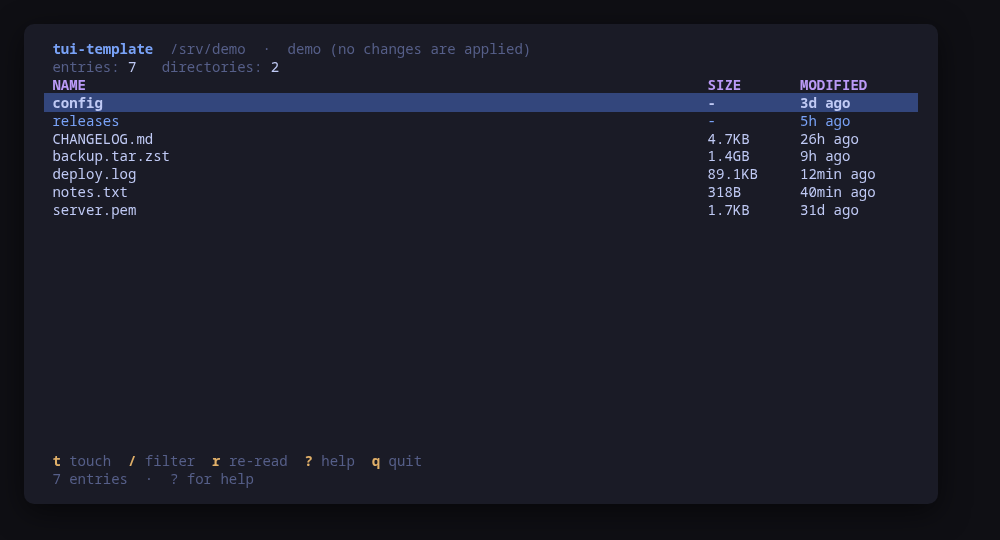
A working skeleton for a new tui-tools tool
$ git clone https://g…m/tui-tools/tui-template
No tool in that category yet.
Packages that are not terminal UIs: components the tools rely on, and upstream projects rebuilt from source under the same signing and provenance gate.
A tool never assembles a shell string. It builds a command value, shows that value in the confirm dialog, and hands the same value to the runner. The preview cannot drift from what executes, because they are the same object.
Tokyo Night by default. On Omarchythe tools read your active desktop theme, so switching the desktop switches every tool. NO_COLOR drops color and keeps layout.
The same key language, the same four bands on screen, the same config precedence, and the same 40-column-to-full-screen responsiveness. They all come from tui-kit.